Multi-Stage Docker Builds Cut My Python Deploy Size by 70%
Multi-Stage Docker Builds Cut My Python Deploy Size by 70%
A FastAPI service I maintain had a Docker image weighing 1.1 GB. Cold starts took 8 seconds. CI builds ran 4 minutes. Every deployment pulled that bloated image across the cluster, and the vulnerability scanner flagged 47 known CVEs in packages the production service never touched.
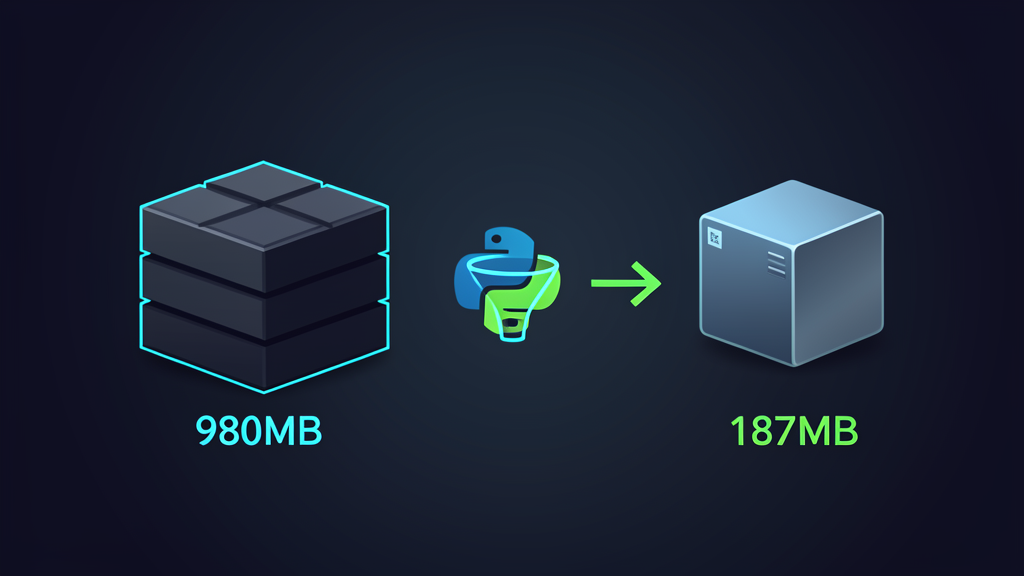
The fix took 30 minutes: a multi-stage Dockerfile. The result: 280 MB, 3-second cold starts, 2-minute builds, and 9 CVEs.
The Bloated Baseline
The original Dockerfile looked familiar to anyone who has shipped Python to production:
// dockerfileFROM python:3.12

WORKDIR /app
COPY requirements.txt .
RUN pip install -r requirements.txt
COPY . .
CMD ["uvicorn", "main:app", "--host", "0.0.0.0"]
Four lines that cost real money. The python:3.12 base image ships with build tools, development headers, package managers, and 350 MB of utilities the runtime never needs. Every pip install pulls compiled wheels and their build dependencies into the same layer. The final image includes .pyc caches, test files, and the entire virtual environment metadata.
For a backend service in a regulated environment, this creates three problems. First, attack surface: 47 CVEs means 47 potential paths for an auditor to flag during review. Second, deployment speed: pulling 1.1 GB across nodes in a cluster wastes time and bandwidth. Third, cold start latency: the container runtime loads 1.1 GB into memory before serving the first request.
The Multi-Stage Build
The production Dockerfile uses two stages.
// dockerfile# Stage 1: Build dependencies
FROM python:3.12-slim AS builder

WORKDIR /build
COPY requirements.txt .
RUN pip install --user --no-cache-dir -r requirements.txt

# Stage 2: Production runtime
FROM python:3.12-slim AS production

WORKDIR /app
COPY --from=builder /root/.local /root/.local
COPY . .

ENV PATH=/root/.local/bin:$PATH
CMD ["uvicorn", "main:app", "--host", "0.0.0.0"]
The builder stage installs dependencies into a user-local directory. The production stage copies only the installed packages from the builder. Build tools, pip cache, and temporary files stay behind and never reach the final image.
280 MB. A 74% reduction.
What Drove the Reduction
Three decisions made the difference.
Slim base image. python:3.12-slim strips 320 MB of build tools, manual pages, and development headers from the base layer. The slim variant includes everything needed to run Python at runtime. Nothing more.
No pip cache. The --no-cache-dir flag prevents pip from storing downloaded wheels. In a single-stage build, this cache lives in the final image. Multi-stage builds eliminate it from the production image, but adding the flag ensures the builder stage stays small too, which speeds up builds.
Copy only what matters. The COPY --from=builder instruction extracts just the installed packages. No build intermediates, no wheel cache, no unused metadata.
Production Hardening
Size is one concern. Production reliability is the other. Three things I check after optimizing any Dockerfile.
Pin the base image digest. python:3.12-slim is a moving tag. A rebuild next week might pull a different base layer with different behavior. Pin to a SHA256 digest:
// dockerfileFROM python:3.12-slim@sha256:abc123... AS builder
This guarantees reproducible builds. The same Dockerfile produces byte-identical images on each build machine, each CI runner, at each point in time. Auditors value this property.
Exclude test and dev files. Add a .dockerignore:
__pycache__
*.pyc
.pytest_cache
tests/
.env
.git
venv/
Without this, COPY . . ships test fixtures, development configurations, and local virtual environments into the production image. I once found a .env file with database credentials baked into a container. The .dockerignore file costs nothing and prevents that class of mistake.
Run as a non-root user. The default Python image runs as root. Containers running as root can escalate privileges if a vulnerability allows filesystem access. Add two lines before the CMD:
// dockerfileRUN useradd -m appuser
USER appuser
The application runs with restricted permissions. This satisfies the CIS Docker Benchmark and most compliance frameworks.
When to Add a Third Stage
For services with compiled dependencies like psycopg2-binary or cryptography, I add a compilation stage:
// dockerfile# Stage 1: Compile native extensions
FROM python:3.12 AS compiler

RUN apt-get update && apt-get install -y gcc libpq-dev
WORKDIR /build
COPY requirements.txt .
RUN pip install --user --no-cache-dir -r requirements.txt

# Stage 2: Runtime with shared libraries only
FROM python:3.12-slim AS runtime

RUN apt-get update && apt-get install -y libpq5 && rm -rf /var/lib/apt/lists/*
COPY --from=compiler /root/.local /root/.local
COPY . .

ENV PATH=/root/.local/bin:$PATH
RUN useradd -m appuser
USER appuser
CMD ["uvicorn", "main:app", "--host", "0.0.0.0"]
The compiler stage has gcc and development headers. The runtime stage has only the shared library (libpq5) needed at execution time. Build dependencies never touch the production image.
The Build Time Trade-off
Multi-stage builds add 10 to 15 seconds to the first build because Docker runs multiple stages. Subsequent builds with layer caching recover this time: Docker reuses unchanged stages and only rebuilds the layers that changed. In CI, feature-branch builds (code changes only) rebuild the production stage in under a minute. Dependency changes trigger a full rebuild, but those are infrequent.
The deployment savings compound. A 280 MB image pulls four times faster than a 1.1 GB image. Across a cluster with 12 nodes, that difference adds up to minutes of reduced downtime during rolling deployments.
The Numbers After Six Months
Six months after switching to multi-stage builds across five backend services:
- >Average image size: 280 MB, down from 1.1 GB
- >Average CVE count per image: 9, down from 47
- >Average cold start: 2.8 seconds, down from 8
- >CI build time: 2 minutes average, down from 4
The investment was 30 minutes per service. The return: faster deployments, cleaner security scans, and lower infrastructure costs from reduced bandwidth and storage.
$ /related
Dependency Injection in Python Without Frameworks
Why I stopped using DI frameworks in Python and started writing simpler, more testable code with plain constructors and manual wiring.
How I Use Hermes Cron Jobs to Run My Blog Pipeline on Autopilot
Three scheduled runs per day. Zero manual effort. Here is how I automated my entire blog pipeline using Hermes cron jobs and the actual architecture behind it.
The ORM Tax: When SQLAlchemy Costs More Than It Saves
How a payment reconciliation service went from 14-minute batches to 90 seconds by identifying session bloat, N+1 patterns, and bulk insert overhead in SQLAlchemy.